

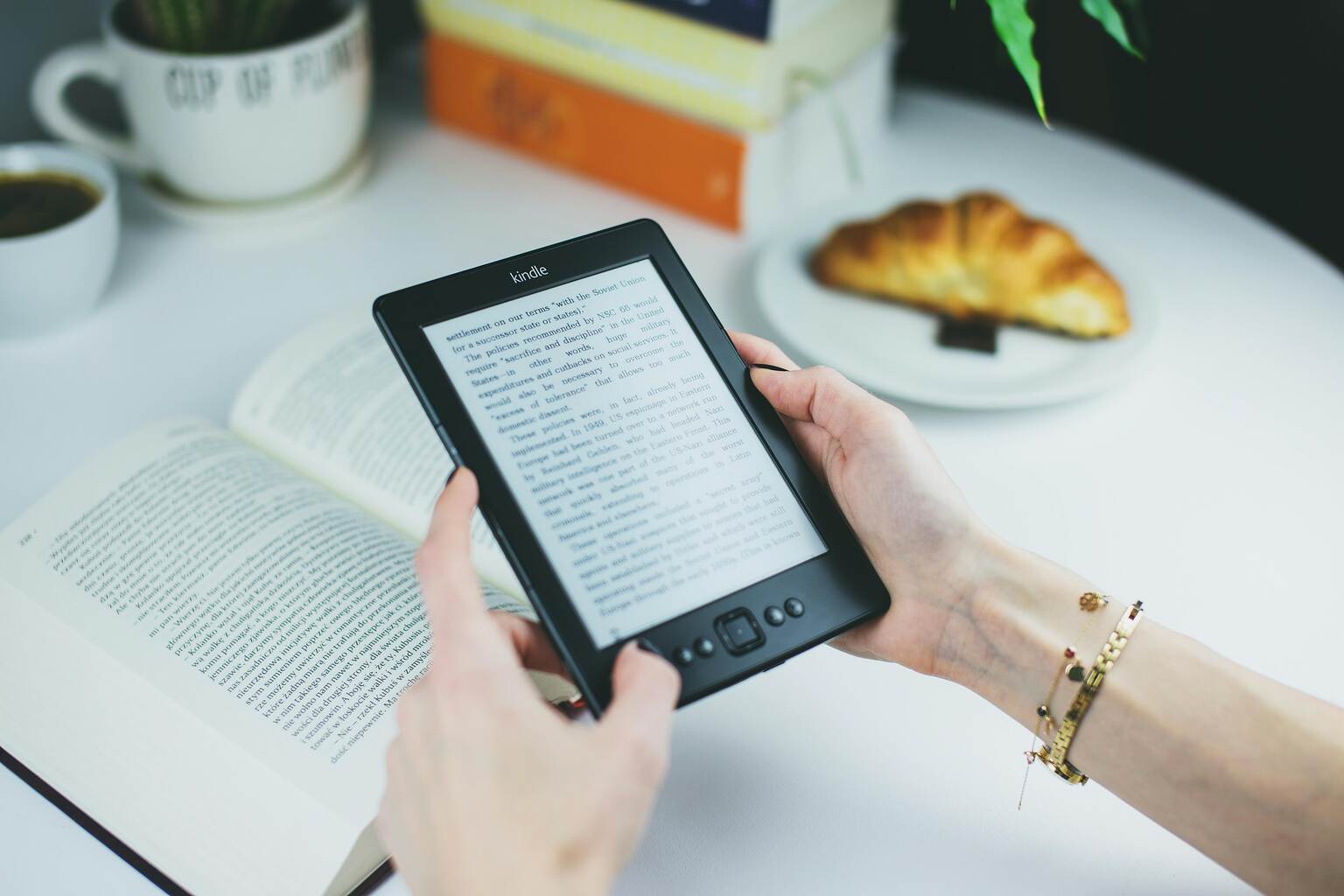
Many readers are surprised by how accessible free books are on Kindle. Amazon supports several legal methods that explain how to get free books on Kindle without paying for individual titles, ranging from Kindle Store listings to public domain works. These options are designed to function within the platform, making them easier to use and easier to trust.
This detailed guide explains how to read free books on Kindle through simple, step-by-step methods. It covers options that do not require a subscription and work with a standard Amazon account. Free titles may come directly from the Kindle Store or through public domain collections that are shared legally and openly.
Each section in this guide focuses on safety and clarity, outlining how books are sourced and delivered to your device. While availability can change and not every genre is always represented, the methods discussed here remain reliable over time. They suit both occasional readers and those building a long-term digital library. When verified sources and clear processes are prioritised, free reading becomes consistent rather than uncertain for people who want to read books free on Kindle in a reliable way.
What Makes Kindle The Best To Access Free Books
- Designed as a complete reading platform: Kindle combines the Kindle Store, reading apps, and cloud storage under one system. Free books fit naturally into this setup.
- Built-in discovery through the Kindle Store: Free books are listed alongside paid titles, making them easy to find through search, categories, and price filters.
- Automatic syncing across devices: A free book added on one device appears on others linked to the same Amazon account. Reading progress stays consistent.
- Supports more than store downloads: Kindle works with public domain books and selected library services. This opens access to older works and borrowed titles.
- Accessible for beginners: Clear menus and familiar purchase steps help new users start reading without confusion. Services like Amazon Prime, Prime Reading, and Kindle Unlimited remain optional.
9 Ways To Read Free Books On Kindle
Kindle offers several built-in and external ways to access books at no cost. The methods below are the easiest ways to showcase where free books come from and how they can be added to your library safely.
1. Find Free Books on the Kindle Store
- Open the Kindle Store after signing in to your Amazon account
- Select a genre or search for a topic of interest
- Use the price filter and sort the results from low to high
- Look for books listed at zero cost
- Explore genres such as classics, romance, mystery, and thrillers, including some of the best free thriller books on Kindle
- Regional and Indian books may appear depending on publisher listings and availability
- Check independent author listings, which often include free titles
- Check curated free book lists featured by Amazon
2. Download the Book
- Use the standard Amazon checkout flow to download Kindle books for free when a title is listed at zero cost
- Select the book marked as free
- Click Buy Now to complete the purchase at zero cost
- Choose the Kindle device or Kindle app for delivery
- Access the book instantly from the Kindle library
- Continue reading across devices synced to the same Amazon account
3. Choose a Public Domain Website
- Understand that public domain books are no longer under copyright
- Choose a Public Domain Website such as Project Gutenberg or Open Library
- Confirm the book is clearly marked as public domain
- Browse collections covering literature, history, and philosophy
4. Send the Book to Kindle
- Download the book in a Kindle-supported format
- Common formats include EPUB, MOBI, and PDF
- Choose formats that convert cleanly for Kindle reading
- Use the Send to Kindle feature on desktop or mobile
- Email the file to the registered Kindle email address
- Sync the device to view the book in the Kindle library
- Use trusted platforms such as Project Gutenberg, Open Library, or Standard Ebooks for clean, Kindle-friendly files
5. Access Prime Reading
- Sign in using an Amazon Prime-enabled account, as Prime members get access to Prime Reading
- Open the Prime Reading section on Amazon
- Browse the available selection of free titles
- Borrowed titles are limited in number and must be returned to access more
RELATED READING: 100 Books Everyone Should Read Before They Die
6. Borrow and Read
- Borrow books within the allowed borrowing limit
- Download the selected title to a Kindle or Kindle app
- Read borrowed books on Kindle devices, phones, tablets, or desktop apps
- Return borrowed books to access new ones
7. Set Up Library Access
- Register with a participating digital library
- Install the Libby app or OverDrive app
- Link the library card to the app
- Many library systems function as a cloud library, allowing access without permanent downloads
8. Borrow and Read
- Borrow an ebook from the library catalog
- Loan periods are set by the library and vary by title
- Kindle delivery depends on regional library support
- Deliver the book to Kindle, where supported
- Read until the book is automatically returned
9. Identify Legitimate Websites
- Use websites that clearly state copyright status
- Prefer public domain and author-approved platforms
- Use established sources such as Open Library for verified titles
- These platforms are among the most reliable free ebook sites for Kindle-compatible books
- Look for clear information about copyright and usage rights
- Avoid websites offering pirated or cracked books
10. Add the Book to Kindle
- Download the file in a compatible ebook format
- Supported formats may include EPUB, MOBI, and converted PDFs
- Send the book using approved Kindle tools
- Access the book from the Kindle library after syncing
RELATED READING: 25 Best Female Poets To Prescribe Inspiration
11. Find Promotional Free Kindle Books
- Look for time-limited free offers on the Kindle Store
- Check the book listings marked as temporary free promotions
- Watch for seasonal or launch-related giveaways by authors
12. Download and Keep Promotional Books
- Add the book while the price is listed as zero
- Complete the download using the standard Kindle purchase flow
- Retain permanent access to the book after the promotion ends
- Read the book offline once it is added to your library
13. Find Books on Open Library
- Visit the Open Library website and search by title, author, or subject
- Look for books marked as available to borrow or read
- Browse categories including fiction, non-fiction, classics, and Indian books
- Check availability based on lending limits and regional access
14. Read or Send Books to Kindle
- Borrow the book using a free Open Library account
- Read the book online through the built-in reader
- Download supported formats where available
- Send compatible files to Kindle using approved delivery tools
15. Browse Public Domain Titles
- Visit Project Gutenberg to access public domain books
- Search by author, title, language, or category
- Explore collections covering literature, philosophy, and history
- Choose books that are clearly marked as public domain
RELATED READING: 12 New Book Releases Of 2026 Every Reader Should Know
16. Download and Read on Kindle
- Download the book in a Kindle-supported format
- Use Send to Kindle or email delivery to transfer the file
- Sync your Kindle device or app to access the book
- Read the book offline once it appears in your library
17. Subscribe to Author or Publisher Mailing Lists
- Join newsletters that share free Kindle book links
- Follow authors who offer free books to subscribers
- Receive early access to giveaways and previews
18. Add Newsletter Books to Your Kindle
- Download the book using the official link provided
- Transfer the file using approved Kindle delivery methods
- Locate the book in your Kindle library after syncing
Things To Know Before Downloading Free Books
| Legal Sources | Illegal Sources |
| Free books are shared through authorised platforms | Paid books are distributed for free without permission |
| Public domain books are available because copyright has expired | Copyright protection still applies, but is ignored |
| Authors offer books for free as promotions or previews | Books are copied or uploaded without the author’s consent |
| Libraries lend ebooks through licensed digital agreements | No lending or licensing agreements are in place |
| Copyright and usage information are clearly stated | Copyright details are missing or unclear |
| Platforms explain how and why books are free | No explanation is provided for free access |
| Downloads follow standard, transparent processes | Hidden links or forced redirects are common |
| Ownership and publishing details are visible | Publisher or author details are absent |
RELATED READING: 21 Books With Strong Female Characters
File Quality And Kindle Compatibility
- Unofficial or poorly prepared files may be incomplete or incorrectly formatted
- Pages can appear out of order or fail to load properly
- Images, charts, and tables may be missing
- Navigation features, like a table of contents, may not work
- Unsupported or badly converted formats may not open on Kindle
- PDFs may not adapt well to smaller screens
Cybersecurity And Account Safety
- Unsafe websites may contain malware or hidden scripts
- Fake download buttons can trigger unwanted installations
- Pop-up ads may redirect to phishing pages
- Some sites request unnecessary permissions
- Personal data may be collected without clear consent
- Amazon may flag unusual account activity
- Third-party websites should never request Amazon login details
Regional And Platform Restrictions
- Availability of free books varies by country or region
- Library ebook access depends on local partnerships
- Some public domain titles may be restricted by location
- Amazon marketplaces can display different free book selections
- Device compatibility affects delivery and access options
Conclusion
Kindle offers a structured and reliable way to explore books without cost when the right sources are used. Free access is built into the platform through the Kindle Store, public domain support, and library partnerships, making it possible to read Kindle books without a subscription. These options allow readers to expand their libraries while staying within legal methods.
The safest approaches are those that clearly explain why a book is free and how it is shared. Public domain titles exist beyond copyright limits. Libraries lend books for defined periods. Authors may offer free editions as part of promotions. Each path has clear boundaries that help readers avoid unnecessary risks.
Learning how to read free books on Kindle becomes straightforward once attention shifts to quality and source transparency. Trusted platforms reduce technical issues and protect account integrity. Kindle tools also help manage delivery, syncing, and long-term access across devices.
Free reading works best when it is intentional. By choosing approved sources and understanding the systems behind them, readers can enjoy consistent access to books without compromising security, reliability, or reading comfort.
FAQs
1. How do I know if a book is free on Kindle Unlimited?
Open the book’s page on the Kindle Store and look for the Kindle Unlimited label. Instead of a purchase price, the page will show an option to borrow the book. These titles can only be read while Kindle Unlimited access is active.
2. Can I read on my Kindle without a subscription?
Yes, a subscription is not required to read on Kindle. Free books are available directly through the Kindle Store, and public domain titles can be added without payment. Library ebooks may also be read on Kindle in supported regions.
3. Can you add free books to your Kindle?
Free books are added using the same process as paid titles. When a book is listed at zero cost, selecting Buy Now delivers it to your Kindle library. The book then syncs across devices linked to your account and can be read offline.
4. Which websites offer free Kindle-compatible books?
Project Gutenberg offers public domain books that can be read on Kindle. Open Library provides legally shared titles under controlled lending. Some library platforms also support Kindle delivery, and most files can be converted using approved Kindle tools.